The screens look after themselves
A screen that goes black without anyone noticing is worse than no screen. Morgana keeps an eye on things for you.
Updates that do not need you
The player on Windows, Linux and Raspberry Pi updates itself with signed updates. If a new version fails, the screen rolls itself back.
- In the maintenance windowNew version is downloadedThe time and weekdays are chosen per screen or group.
- After installationHealth checkThe screen checks that the player is running and showing content.
- If something failsBack againThe screen rolls itself back to the version that worked.
- All the timeA message to youIf a screen goes offline, you get an email.
- Gradual rollout
- On Windows, new versions arrive gradually, and you can choose between a test, beta and stable channel.
- OS updates
- Windows and Linux can also be kept up to date. This is switched off by default. If you switch it on, the updates arrive in three waves, and a wave stops by itself if too many screens fail.
- Your IT decides
- If your IT department manages Windows Update with Intune, GPO or WSUS, Morgana stays out of it.
When the connection drops
The screen downloads and prepares everything scheduled for the next 7 days, and carries on with it until the connection is back. In the admin you can see how many days each screen can manage without a connection.
- Prepared in advance
- Pages, images and video for everything scheduled for the next 7 days are downloaded in advance. The window can be made longer per screen or group.
- Stored content
- Images and video are stored on the screen, up to 500 MB or half of the free space.
- Start without a connection
- On Windows, Linux and Raspberry Pi, the player is part of the app, so the screen can start without any connection at all.
- Web pages
- Web pages and live dashboards need a connection. Everything else carries on.
Monitoring and alerts
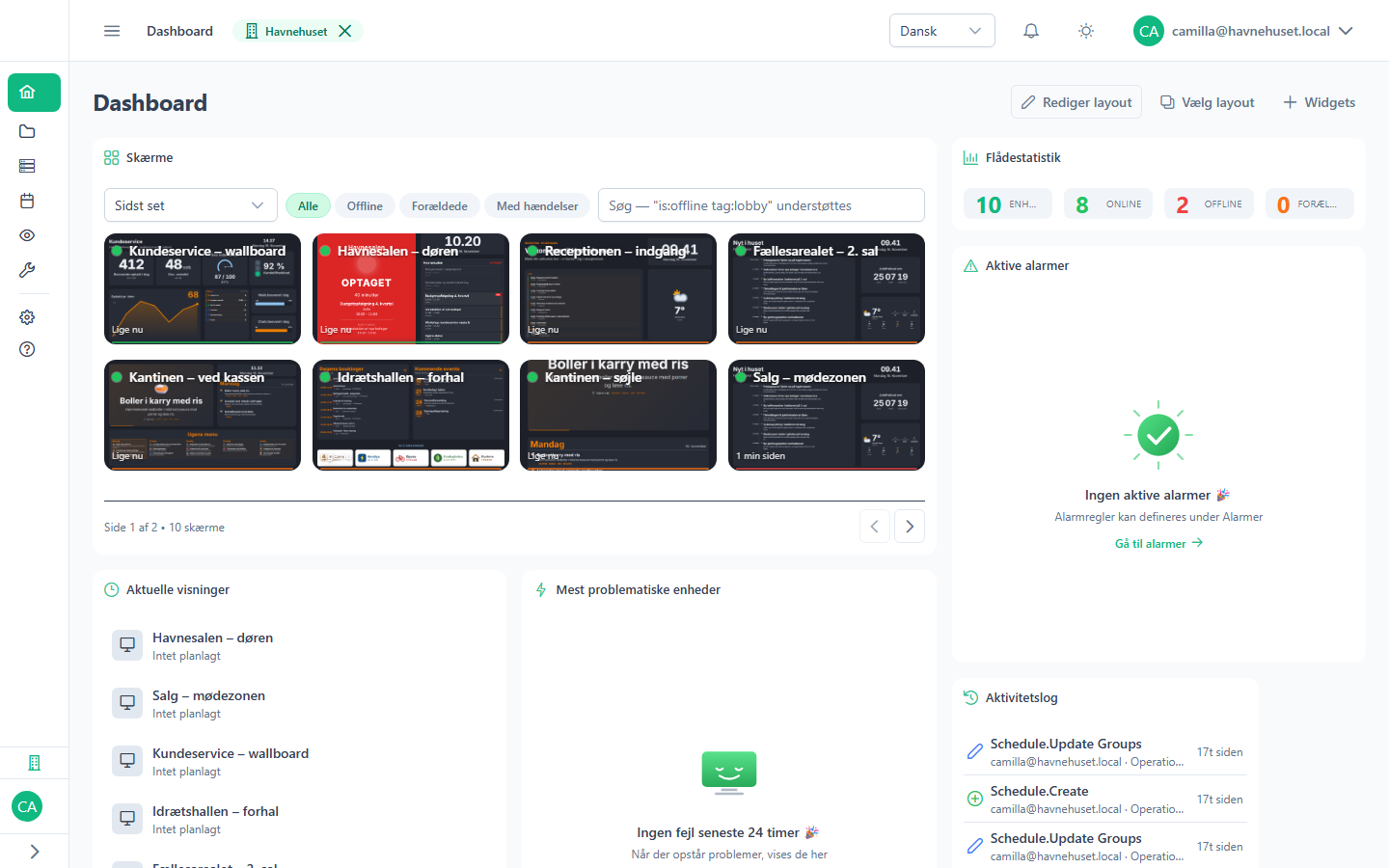
Every screen is checked every minute. Set alerts on what matters to you.
Notifications go to the organisation's administrators and contact address, at most one email an hour per alert type. Each alert can also send a webhook.
| Alert | When |
|---|---|
| Offline | When a screen has been gone for the time you choose |
| CPU and memory | Above a limit you set |
| Disk | Above a limit you set |
| Temperature | Above a limit you set |
| Bandwidth | Above a limit you set |
| OS updates | When a screen has fallen behind |
Platforms
Use the screens you have. Morgana runs on PCs, small computers, Android boxes and the built-in browser of smart TVs.
| Platform | Set-up | Updates | Remote control | Screenshots |
|---|---|---|---|---|
| Windows PC | Installer and code. Many PCs at once via Intune. | Automatic, with rollback | Yes | Yes |
| Linux | Package and code | Automatic, with rollback | Yes | Yes |
| Raspberry Pi 4 and 5 | Ready-made SD card and an on-screen guide | Automatic, with rollback | Yes | Yes |
| Android 10 and later | App and code | Automatic | No | The app's own window |
| Smart TVs from LG and Samsung | A web address in the TV's browser | Always the latest version | No | No |
Older TVs automatically get a version of the player that suits their browser.
Safe for IT
Morgana is built so that an IT department can approve it.
- Data
- In the EU, on servers in Germany. Dedicated server and on-prem by arrangement.
- Sign-in
- Two-factor login is required for all administrators. Sign in with Microsoft Entra, Google or Okta, and create users automatically with SCIM.
- Access
- Roles per organisation: owner, administrator, editor and viewer. The activity log cannot be changed and can be exported.
- The screens
- The Windows app runs without administrator rights, and the security set-up on the PC is undone if the app is uninstalled.
- Personal data
- Data export and deletion per user, and a data processing agreement with every customer.
See Morgana with your own screens
15 minutes in which we show what Morgana can do for your screens.