Information screens that look after themselves
Morgana fetches the content from your calendars, bookings and menu, sends changes to the screens straight away and tells you if something goes wrong. It runs on the screens you already have.
- 30+ widgets
- All screen formats
- Windows, Linux, Raspberry Pi, Android, smart TVs
- Data in the EU
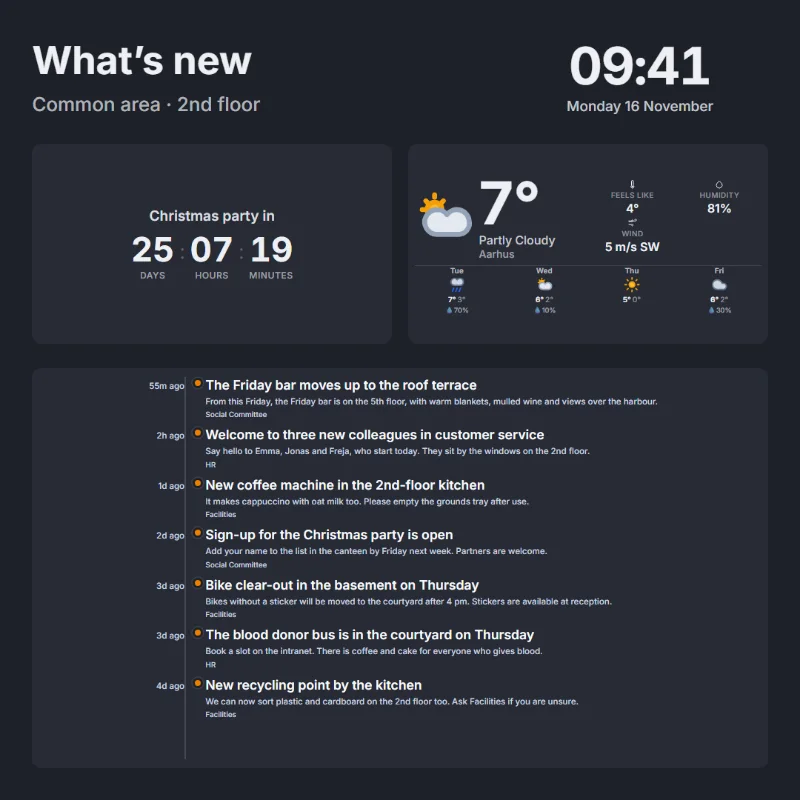
Where the screens hang
Most screens need to show something that changes every day. Morgana fetches it by itself, so nobody has to remember to update the screen.
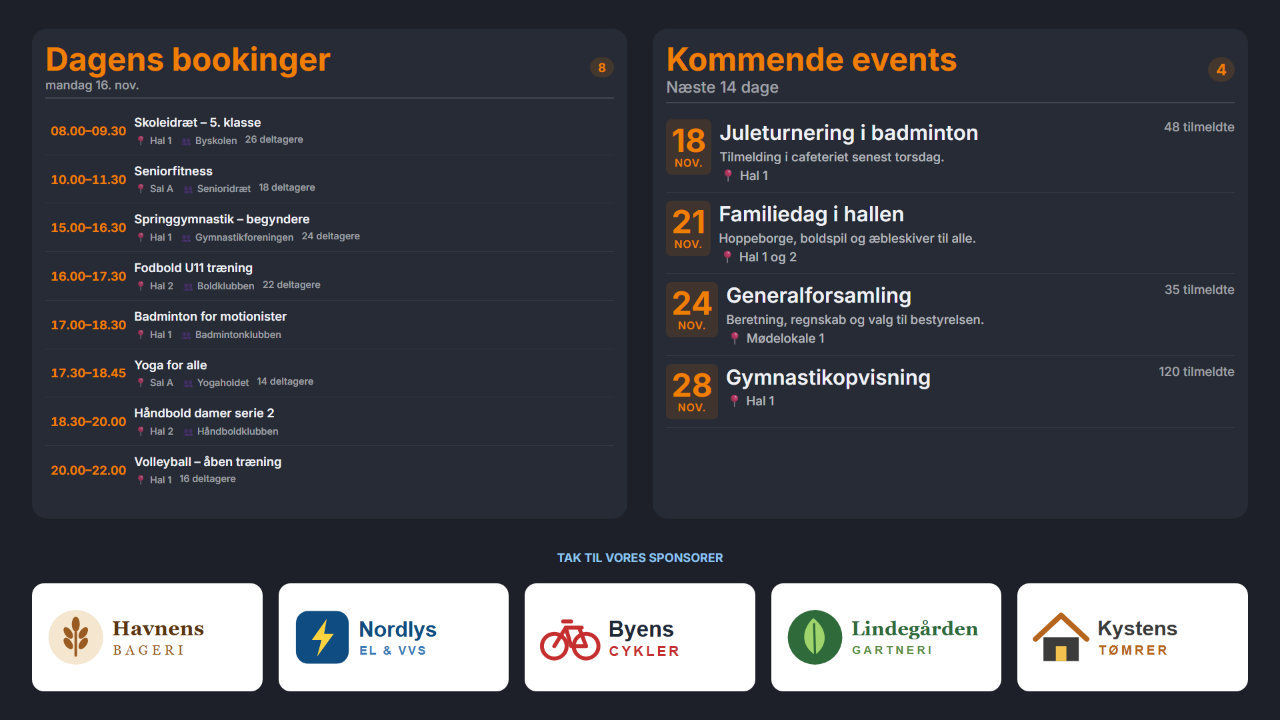
Sports halls and clubs
Today's activities and bookings from Conventus, upcoming events, sponsors in one place and an emergency message in one click.
How Hall'n i Hammerum does it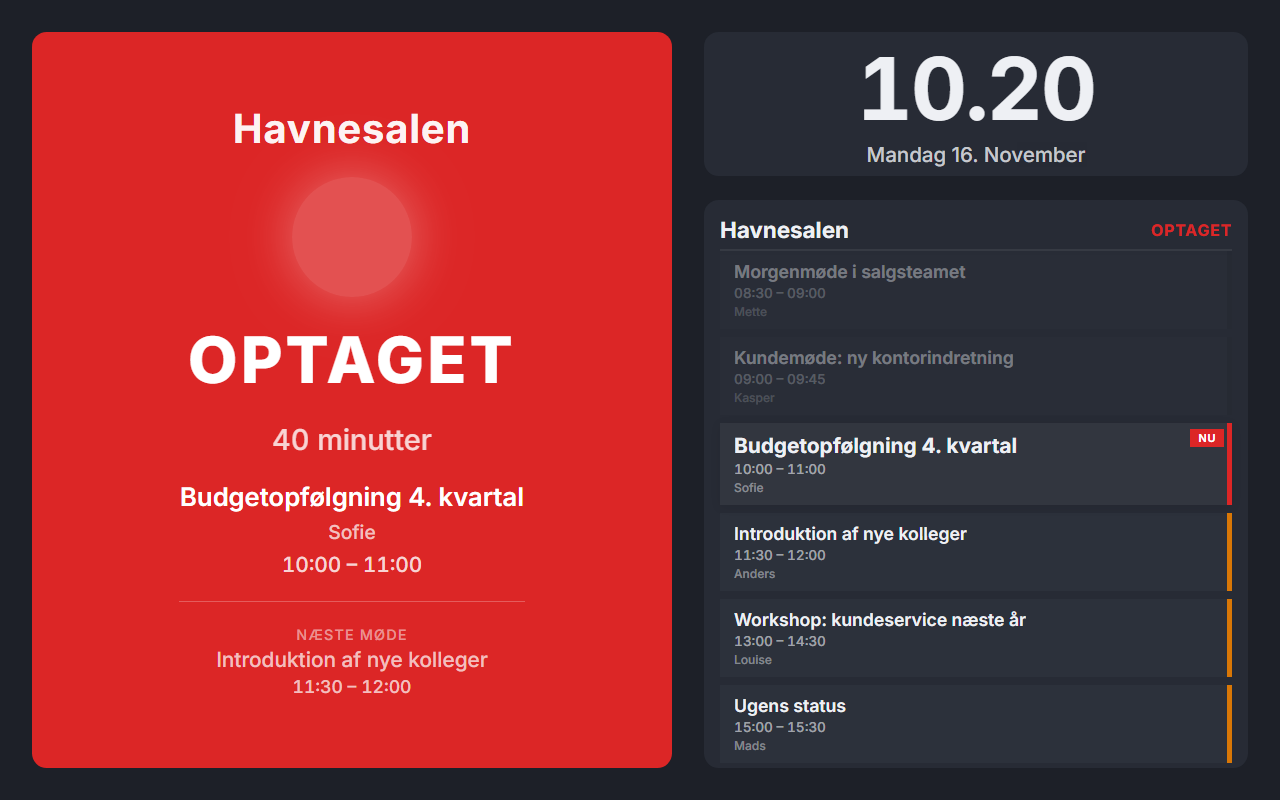
Workplaces
Meeting rooms, wallboards for customer service, Power BI and a screen for each department with its own content.
How Witt does it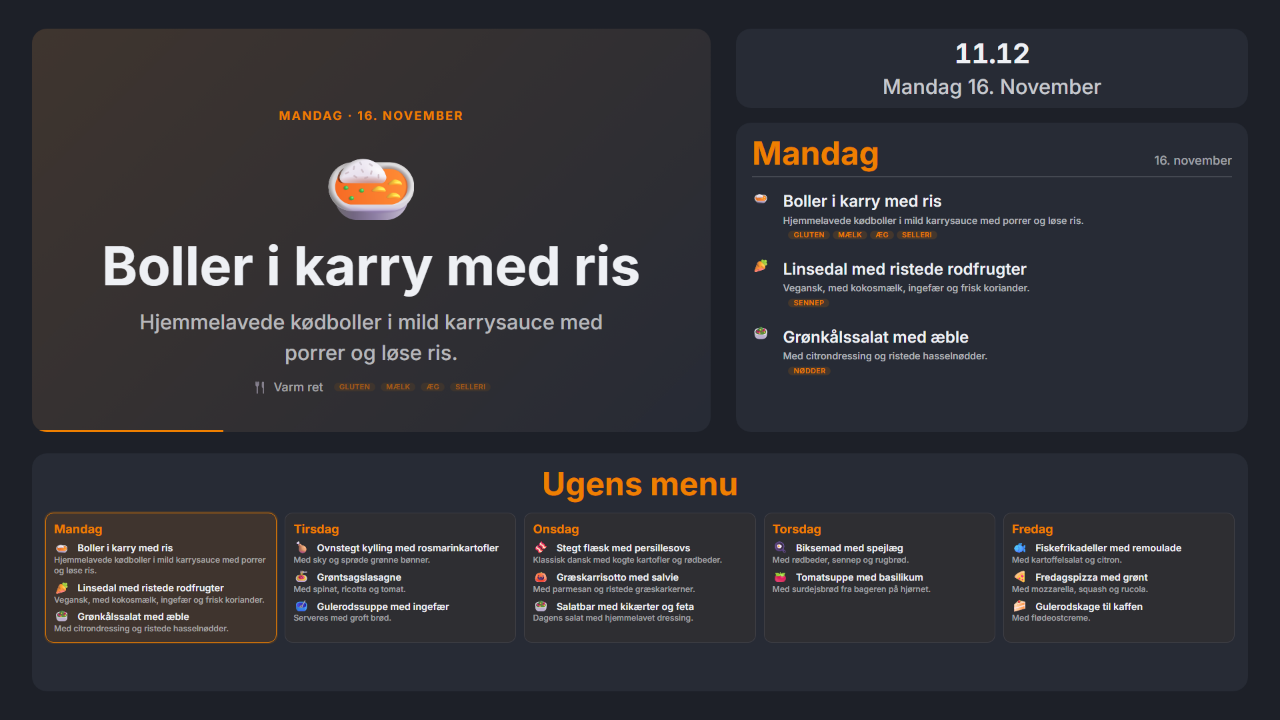
Canteens and cultural centres
The menu arrives on its own as a PDF by email and is shown day by day. Nobody has to upload anything by hand.
How Rotek does itDesign once. For every screen.
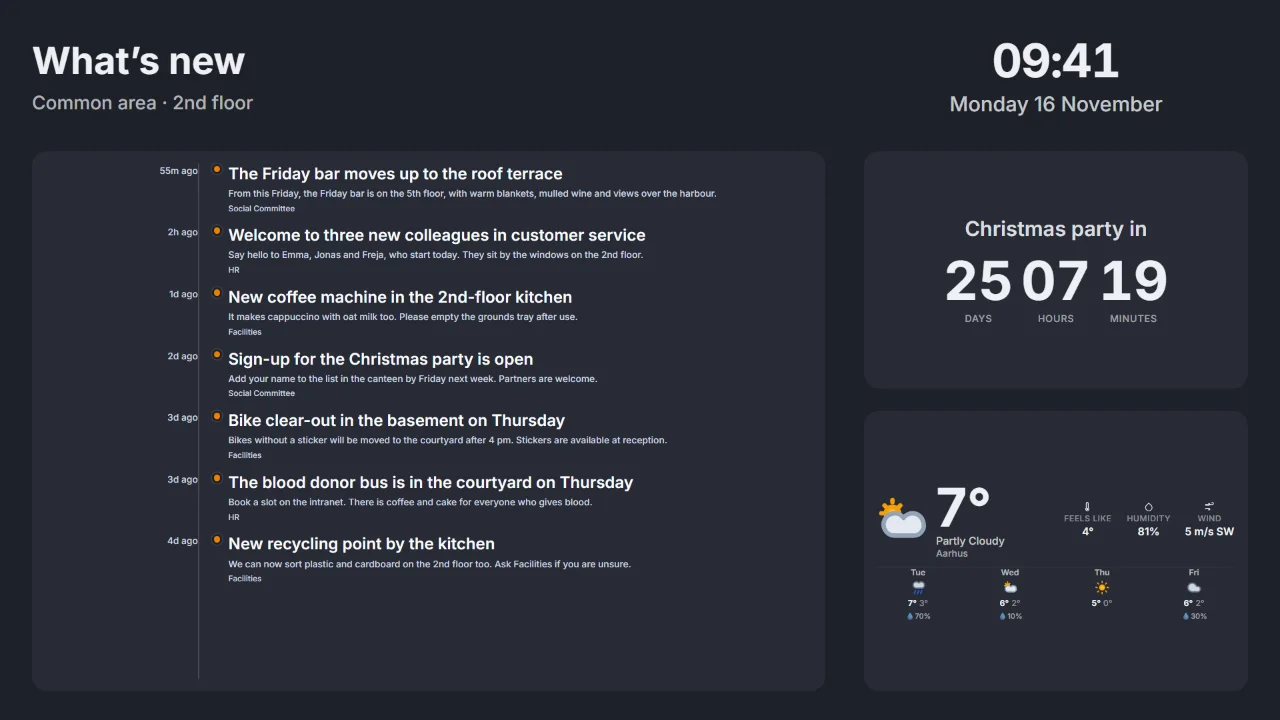
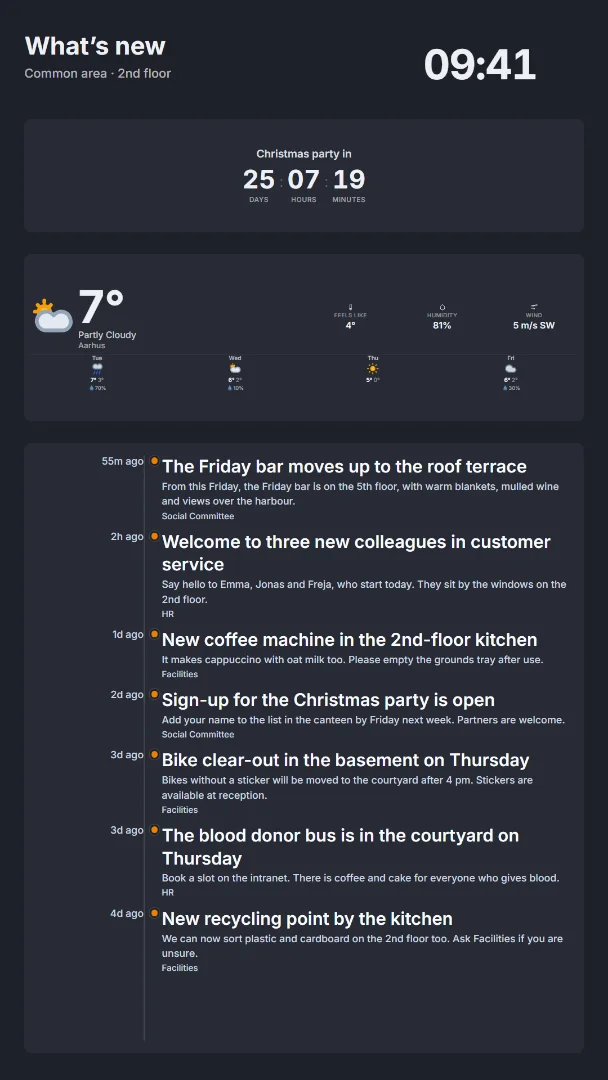
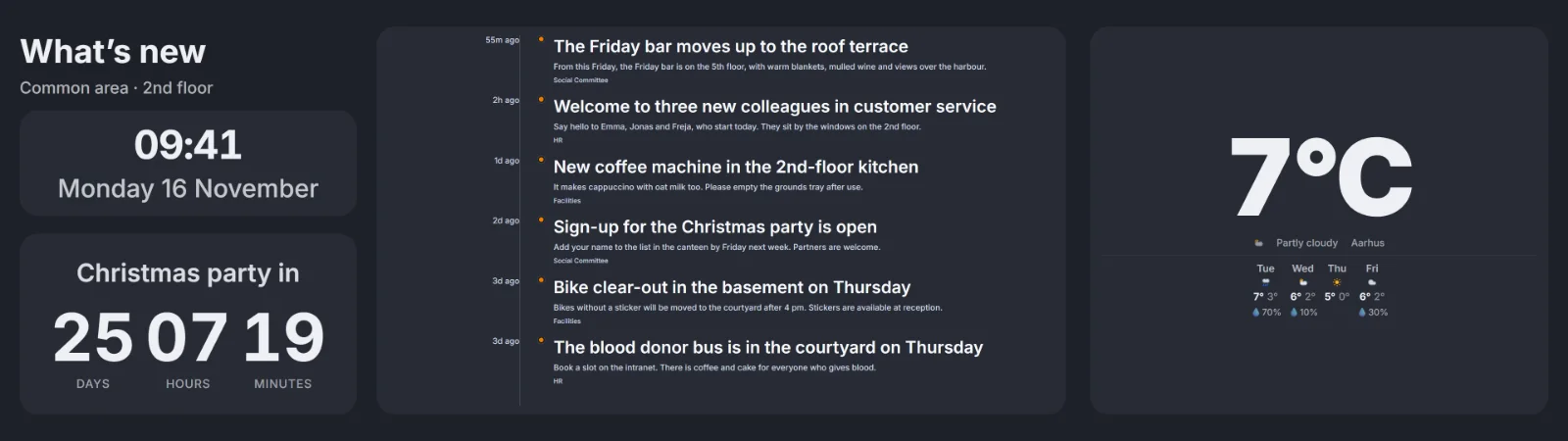
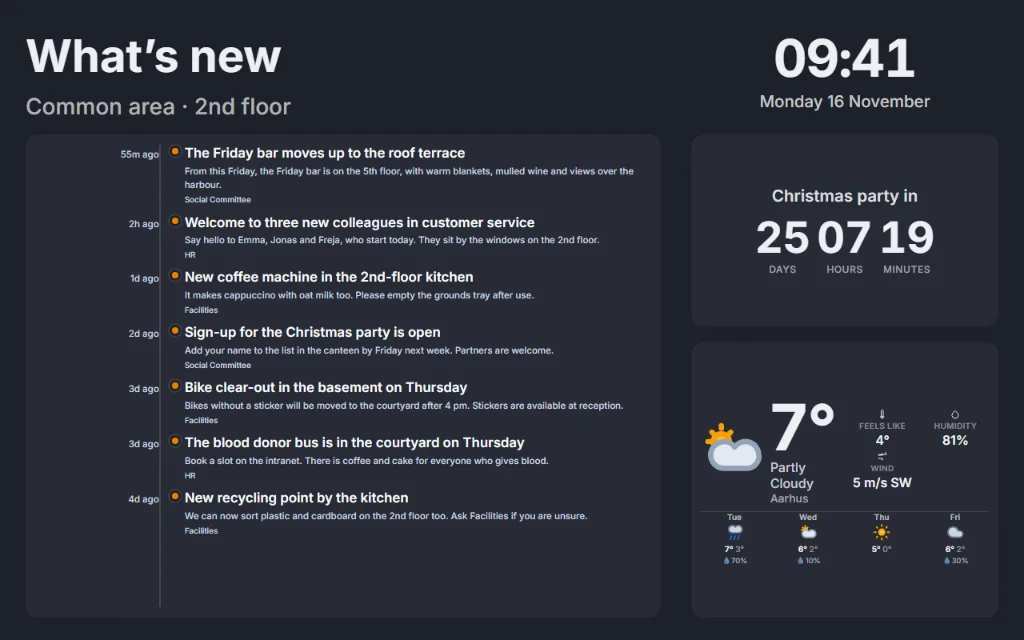
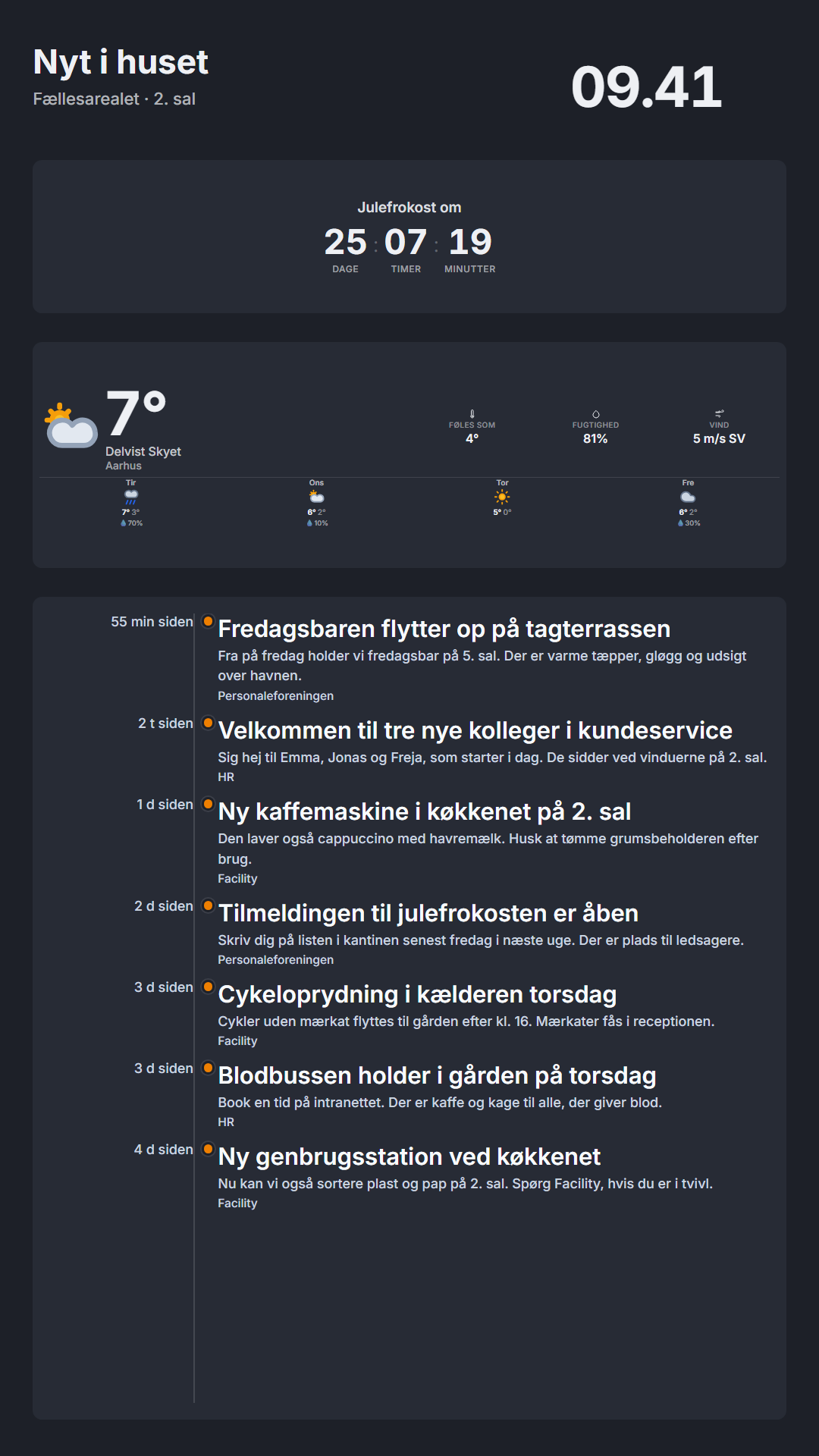
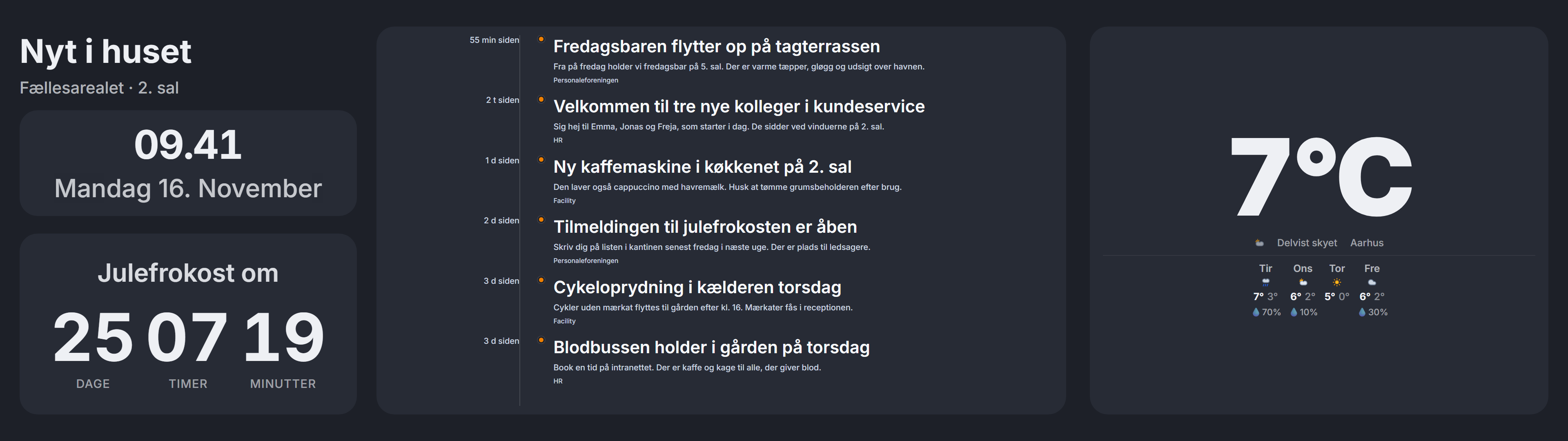
A page can have several formats at once: landscape, portrait, ultra-wide and your own resolution. The content is shared between the formats, and each screen picks the format that fits.
See the features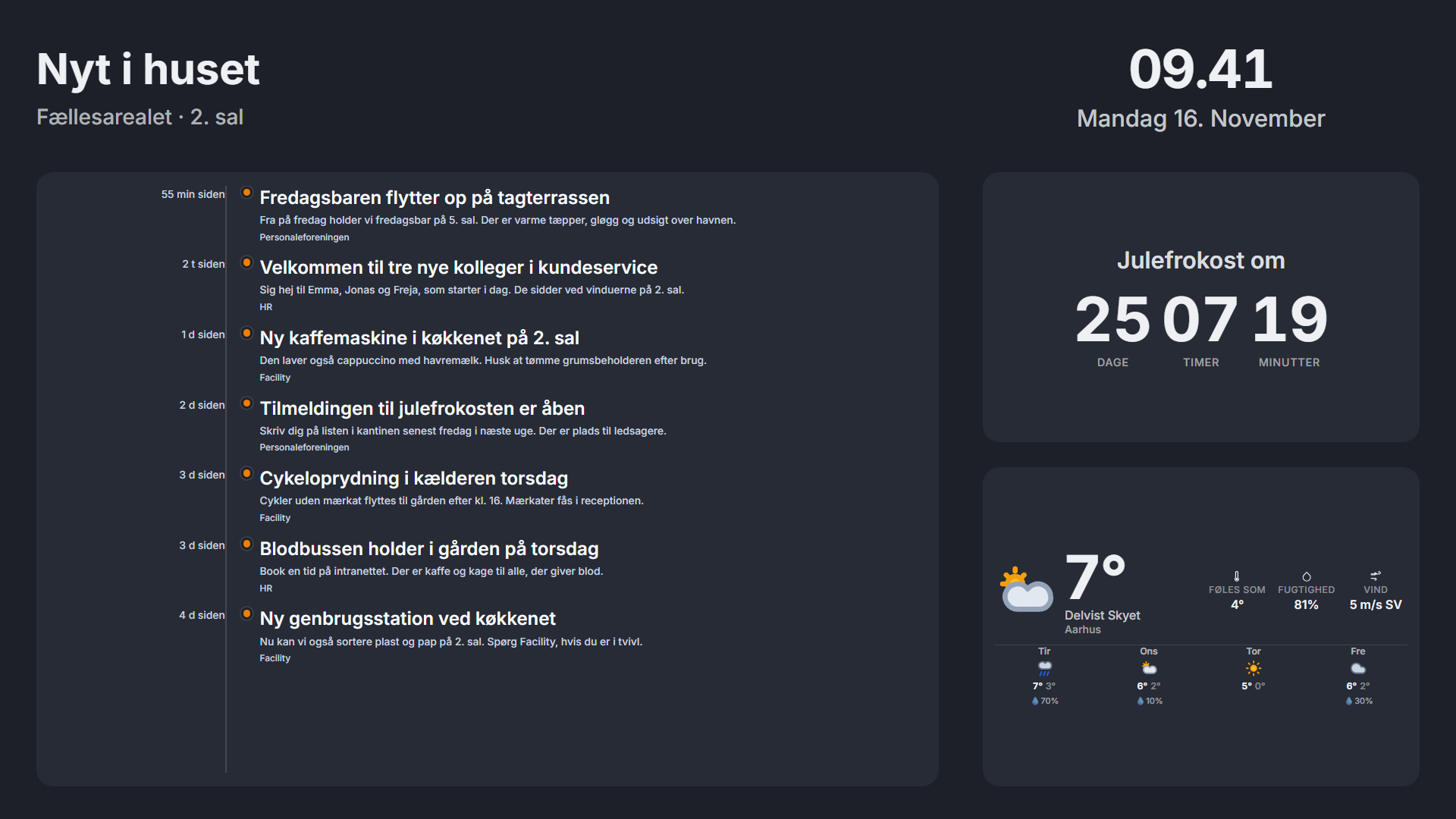
Data comes in by itself
Each document gets its own email address, calendars and bookings are fetched automatically, and your own systems can send data with webhooks. When the source changes, the screen changes.
See the data sourcesControl every screen from one place
Settings pass down from the organisation to groups and screens. A single screen can always go its own way, and a change reaches the screens straight away.
See how control works| Setting | Organisation | Group | Screen | Shown |
|---|---|---|---|---|
| Language | Danish | – | English | English |
| Theme | Standard | Christmas theme | Inherits | Christmas theme |
| Time zone | Copenhagen | New York | Inherits | New York |
The screens look after themselves
The player updates itself and rolls back if something goes wrong. If the screen loses its connection, it carries on with what is scheduled for the next week, and you are notified if a screen goes offline.
See operations and security- At nightNew version is downloadedThe screen updates itself in its own maintenance window.
- After installationHealth checkThe screen checks that the player is running and showing content.
- If something failsBack againThe screen rolls itself back to the version that worked.
- All the timeA message to youIf a screen goes offline, you get an email.
Should AI set up your information screens? Morgana will soon do that itself.
Your AI assistant, such as Claude, gets a built-in connection to Morgana. It can then create pages, schedule content and control the screens for you.
See the whole roadmapSee Morgana with your own screens
15 minutes in which we show what Morgana can do for your screens.